Delete a Customer Account
Source: support.titanhq.com Product: TitanHQ Platform Imported content type: docs_page
Delete a Customer Account
Section titled “Delete a Customer Account”Follow the steps below to delete a customer account.
-
Go to Customers and find the customer you want to delete in the All Customers table.
-
Select the checkbox and then Delete when it appears.

-
To confirm deletion, do the following:
-
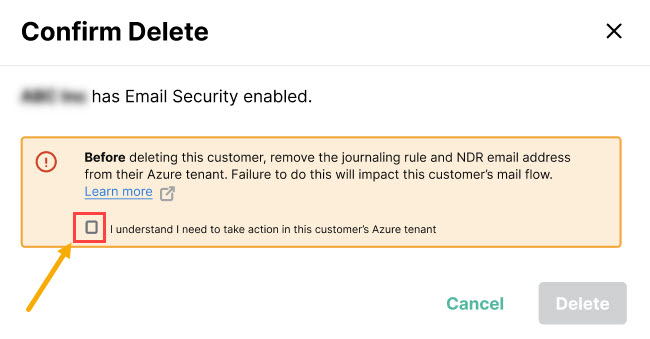
If your customer has Email Security enabled, the dialog box will prompt you to first delete the customer’s journaling rule and NDR email address from their Azure tenant. This is necessary so that your customer’s mail flow is updated. Removing an Email Security Account provides guidance for this, as well as removing the Outlook Add-in and the Email Security Enterprise App.
-
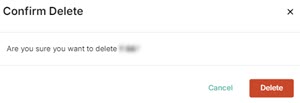
If your customer doesn’t have Email Security enabled, you just need to select Delete in the dialog box.
-