Adding Support Links
Source: support.titanhq.com Product: SpamTitan Imported content type: docs_page Product stream: skellig
Adding Support Links
Section titled “Adding Support Links”Go to Settings > Support to customize the links to your support services for your customers. Once added, these links are visible to your customers in their profile  menu.
menu.
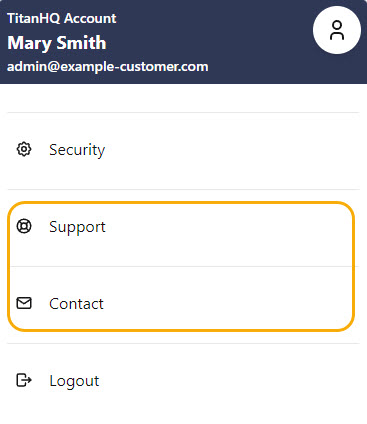
Follow the steps below to customize your support links.
-
Go to Settings > Support.
-
Support Desk URL: Enter a valid URL (default: https://helpdesk.spamtitan.com/support/solutions/folders/4000037958).
-
Contact: Enter a valid email address (default: blank).
-
-
Select Save Changes.
Once added, the Support and Contact links are visible in a customer’s profile menu.