Exploited Domains
Source: support.titanhq.com Product: PhishTitan Imported content type: docs_page Product stream: email-security
Exploited Domains
Section titled “Exploited Domains”Malicious actors frequently launch phishing attacks from free email services. You can add an alert banner to emails from these domains as a reminder to users to stay vigilant, even if the email content does not look suspicious.
To turn on alert banners in emails from these domains, follow these steps:
-
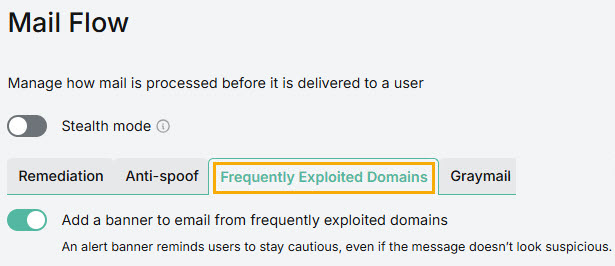
Go to Email Security > Configuration > Mail Flow. Select Frequently Exploited Domains from the tab.
-
Select the toggle Add an alert banner to email from frequently exploited domains to turn on alerts.
-
Select Save.