Delete Domains
Source: support.titanhq.com Product: SpamTitan Imported content type: docs_page Product stream: skellig
Delete Domains
Section titled “Delete Domains”-
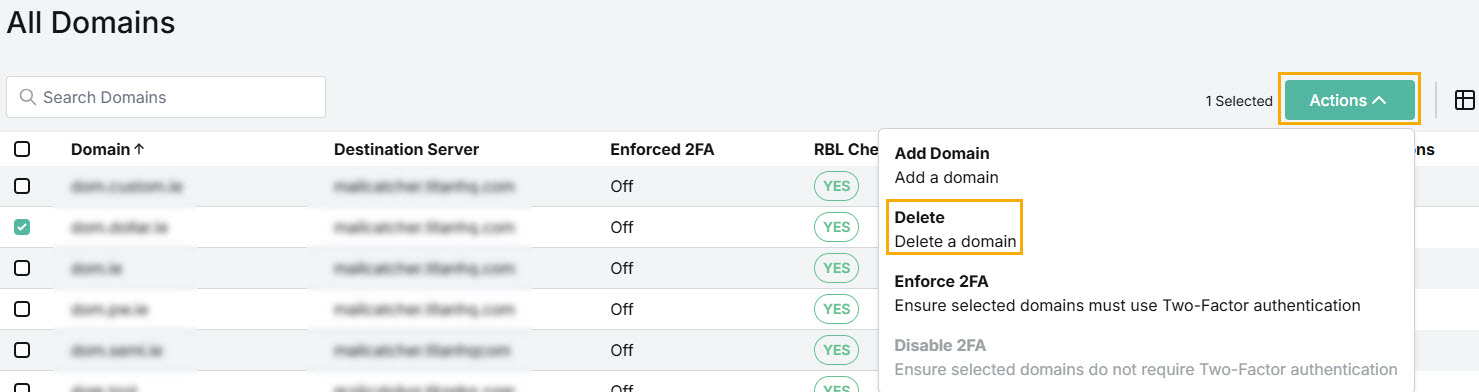
Go to Overview and select the checkbox(es) for domains(s) you want to delete. From the Actions dropdown menu, select Delete.
-
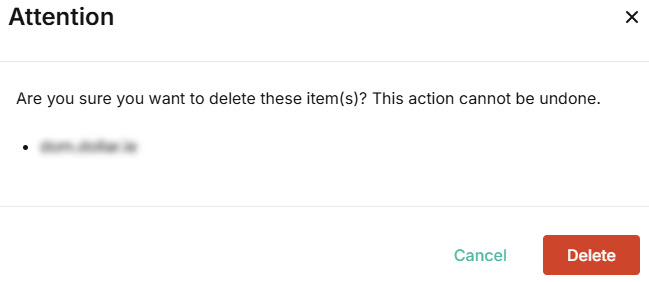
You’ll be prompted in the pop-up window to confirm your action. Select Delete.