Add a Geoblocking Rule for a Country
Source: docs.titanhq.com Product: SpamTitan Imported content type: docs_page Product stream: legacy
Add a Geoblocking Rule for a Country
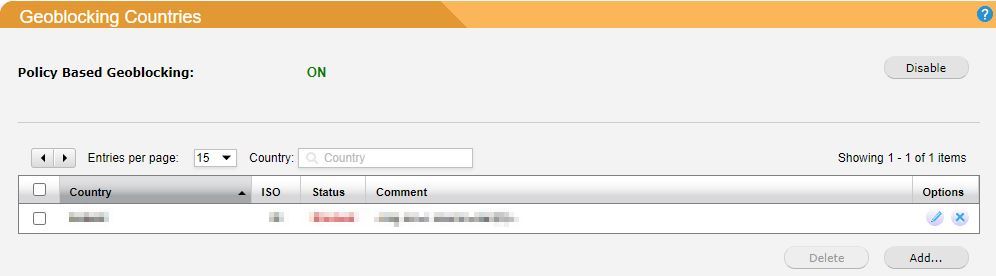
Section titled “Add a Geoblocking Rule for a Country”Go to Filter Rules > Geoblocking and follow the steps below to add a geoblocking rule for a country.
-
Click Enable to turn Policy Based Geoblocking: ON (default: disabled).
-
Click Add… and the Add Geoblocking Rule window displays.
-
Country: Select a country to allow or block. This field auto-populates as you type.
-
Status: Select Allow or Block to allow/block the country you selected.
-
Comment: Enter an optional description of this geoblocking rule.
-
-
Click Save to save this geoblocking rule, or Cancel to discard.
Once a geoblocking rule has been added, it can be edited or deleted. Click the edit  icon to edit a rule, or click the
  delete icon to delete a rule.