Log in for the first time
Source: docs.titanhq.com Product: SpamTitan Imported content type: docs_page Product stream: legacy
Log in for the first time
Section titled “Log in for the first time”As part of the SpamTitan Cloud setup, an email was sent to the supplied email address with information to get started, including a username and password for the Domain Group Administrator account. The email is from licensing@titanhq.com with the subject line Welcome to SpamTitan Cloud. If you did not receive this email, contact Support to have it reissued immediately.
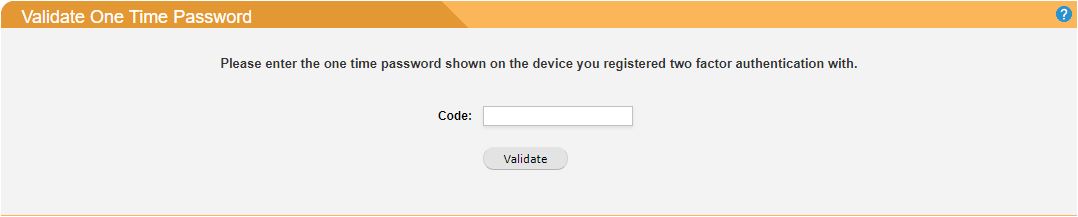
If two-factor authentication (2FA) is enabled, you must also enter a code generated from the device used to register 2FA:
After you sign in you will be asked to select a role. Make sure you choose Domain Group Administrator.
After signing in for the first time you should change your password. Do this by going to Settings > Change Password.