Link Lock Admin
Source: support.titanhq.com Product: SpamTitan Imported content type: docs_page Product stream: skellig
Link Lock Admin
Section titled “Link Lock Admin”An administrator can be enabled as a Link Lock Admin when they are being added to the system. See Adding an Administrator.
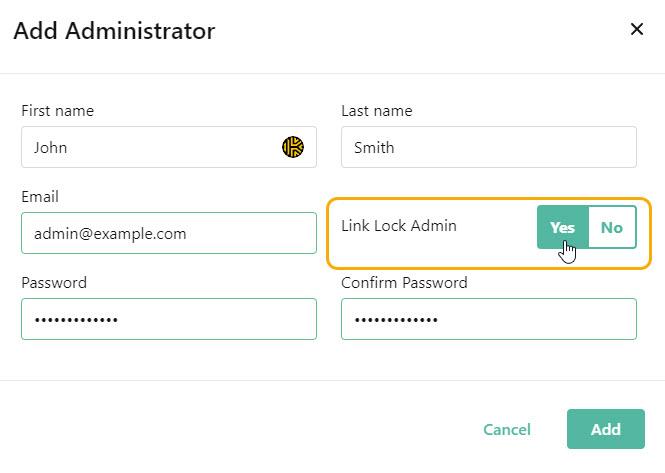
You can also follow the steps below to edit an existing administrator and enable them as a Link Lock Admin.
-
Go to Settings > Administrators.
-
Select the edit
 icon in the Actions column for an administrator and the details page for that admin displays: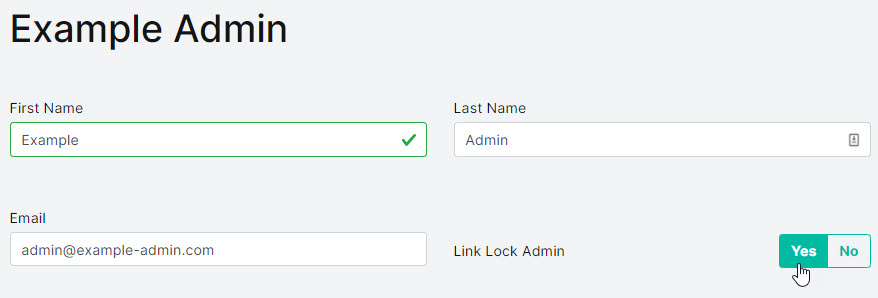
-
Select Yes for Link Lock Admin.
-
Select Save.