Backing Up your SpamTitan Gateway Configuration
Source: docs.titanhq.com Product: SpamTitan Imported content type: docs_page Product stream: legacy
Backing Up your SpamTitan Gateway Configuration
Section titled “Backing Up your SpamTitan Gateway Configuration”Backups allow you to create a backup file of the configuration of your SpamTitan appliance that can be saved locally and restored on demand. Saved settings include network settings, domain configurations, user preferences and email allow and block lists. Quarantine user and policy details are also backed up as part of this process, but quarantine messages are not.
Go to Settings > Backup to manage backup settings.
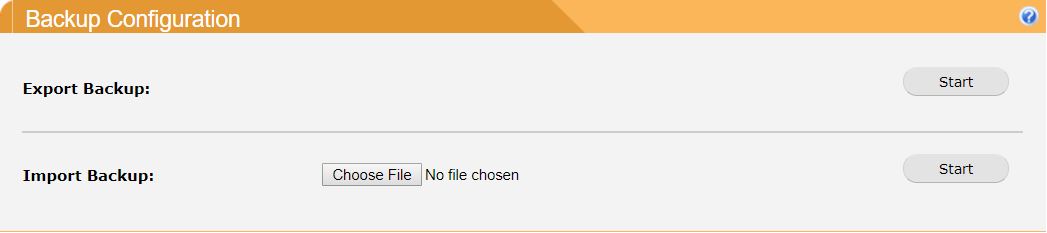
To export your current SpamTitan Gateway configuration settings to a backup file:
-
Go to Settings > Backup > Backup Configuration.
-
Click Start.
-
If the backup is successfully created the backup file is available to download as a compressed .TAR file.
To import a previously exported SpamTitan Gateway backup file:
-
Go to Settings > Backup > Backup Configuration.
-
Select Choose File to select a backup file that you previously exported from SpamTitan Gateway and click Open.
-
Click Start to complete the import.