Log in Using SAML SSO
Source: support.titanhq.com Product: PhishTitan Imported content type: docs_page Product stream: email-security
Log in Using SAML SSO
Section titled “Log in Using SAML SSO”SAML (Security Assertion Markup Language) is a widely used solution that supports SSO (single sign-on). SAML SSO works by passing authentication information between your existing Identity Provider and the TitanHQ platform. This means your Identity Provider becomes the authentication method for accessing the platform, and you’ll no longer need to use your username and password to log in.
To log in using SAML SSO, follow these steps:
-
Configure SAML SSO in Azure and on SAML SSO on the platform. See Configuring SAML SSO for details.
-
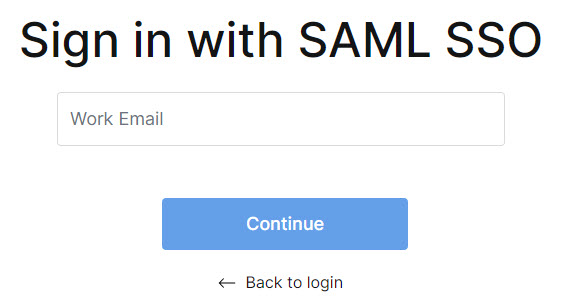
When you log in, the system recognizes that your account is enabled for SAML SSO. Enter your work email address, and select Continue.