Test Connectivity to your Mail Server
Source: support.titanhq.com Product: SpamTitan Imported content type: docs_page Product stream: skellig
Test Connectivity to your Mail Server
Section titled “Test Connectivity to your Mail Server”Once a domain has been added, follow this video or the steps below to test that your mail server accepts email from SpamTitan.
-
Go to Overview > All Domains and select a domain to test from the list of domains.
-
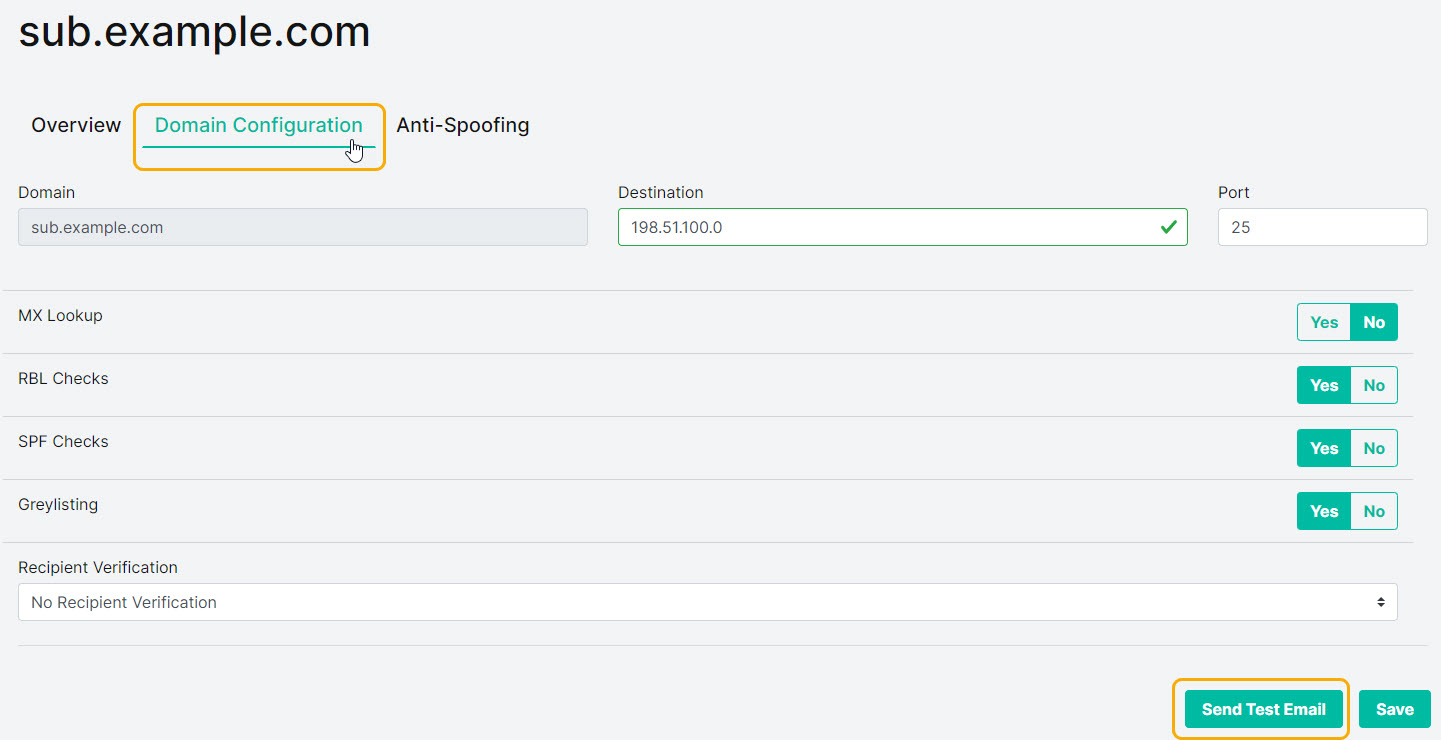
Select the Domain Configuration tab.
-
Select Send Test Email and the Send Test Email window displays.
-
Enter a valid email address in the Email Address field and select Send.
-
Verify the email has been delivered to the specified email address.