Customizing your Interface
Source: support.titanhq.com Product: SpamTitan Imported content type: docs_page Product stream: skellig
Customizing your Interface
Section titled “Customizing your Interface”As an MSP, you can go to Settings > Interface to customize your interface. Changes you make here are visible at customer and domain levels. You can customize the page title, company logo and footer image:
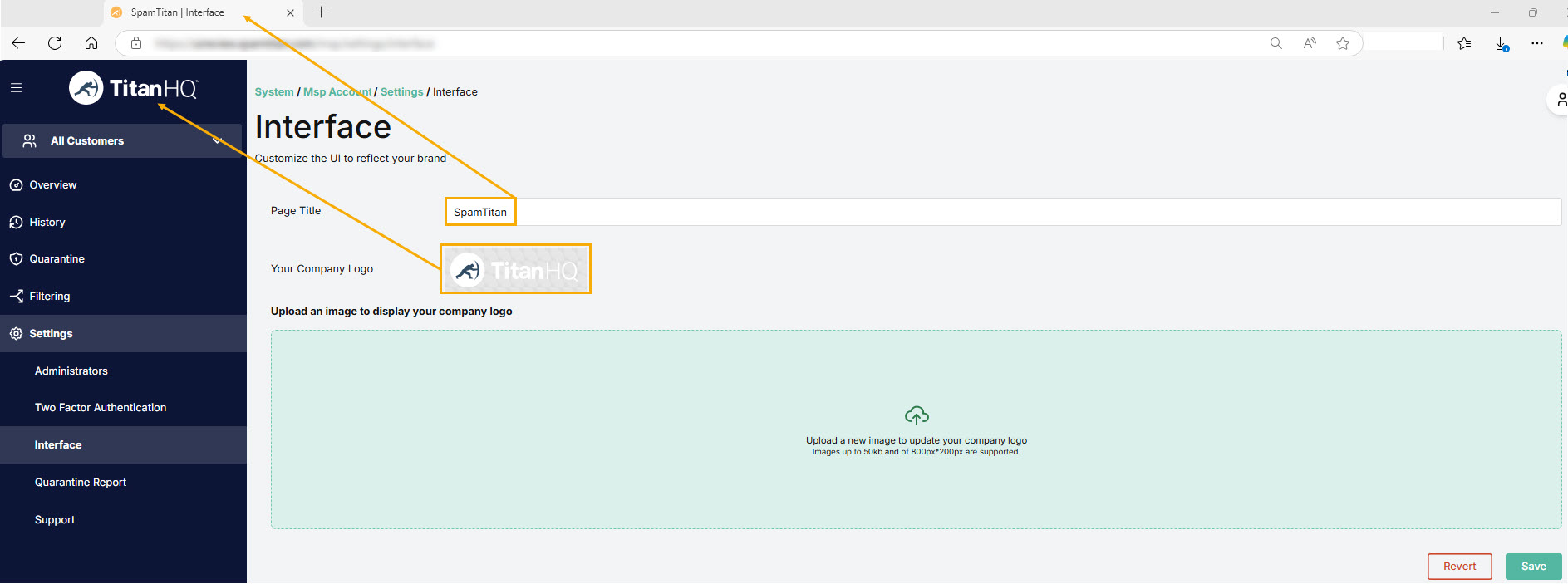
Changing Page Title
-
Replace ‘SpamTitan’ with your own page title.
-
Select Save Changes.
Changing Company Logo & Footer Image
-
Click Choose a file and select an image file to upload. Images with dimensions up to 800 × 200 with a max size of 50 KB are supported. Supported file types: JPEG, PNG, BMP, GIF and SVG.
-
Select Save Changes.