Summary Report
Source: support.titanhq.com Product: PhishTitan Imported content type: docs_page Product stream: email-security
Summary Report
Section titled “Summary Report”Go to Reports > Summary Report to get an overview of user activity related to Email Security. The default for the summary is 7 days, but you can change this by selecting 30 Day Summary in the upper right corner.
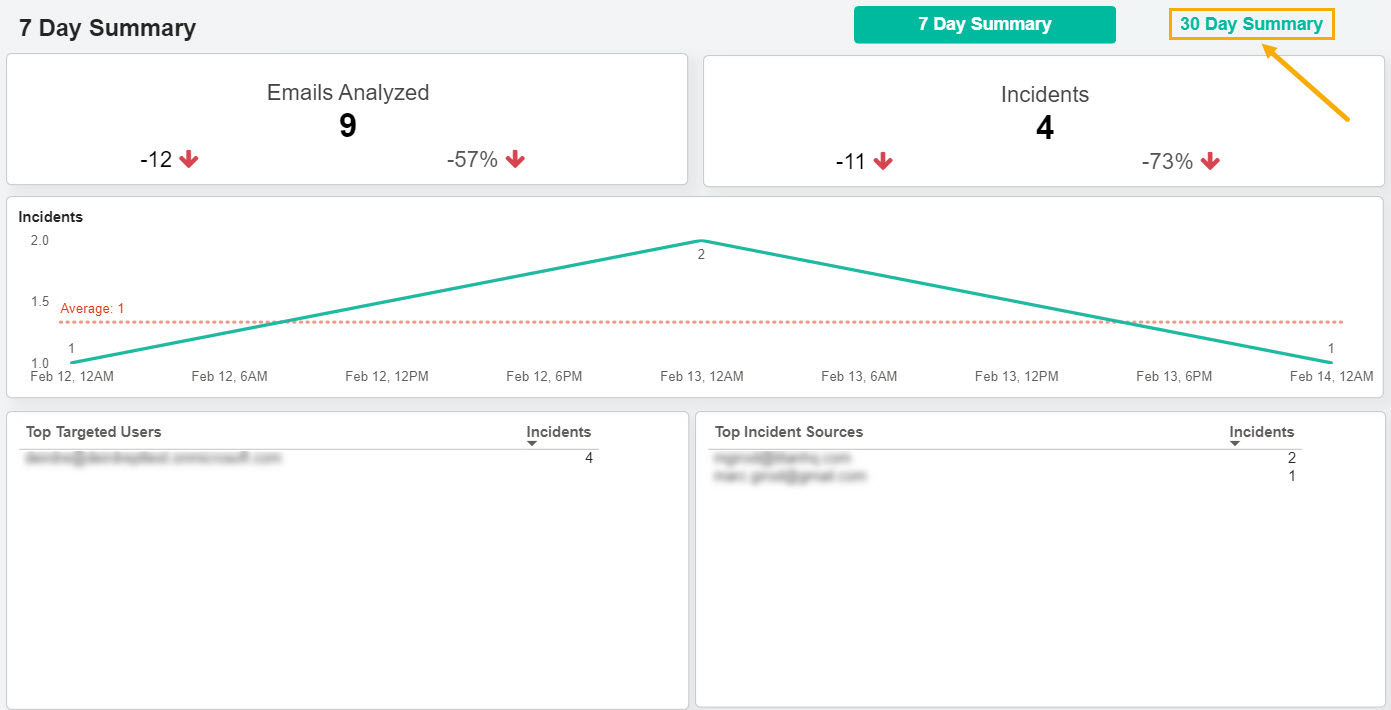
The summary report helps you quickly:
-
See the total number of emails analyzed and how many were identified as incidents, that is, phishing attacks.
-
View the percentage change rate of emails analyzed and incidents.
-
See if incidents have increased or decreased over a specific timeframe.
-
Identify the users who have received the most phishing emails and the top sources of incidents.