Step 1: Log in for the first time
Source: helpdesk.spamtitan.com Product: SpamTitan Imported content type: kb_article Source folder: Getting Started: SpamTitan Cloud Modified: Wed, 14 Sep, 2022 at 7:00 PM

As part of the SpamTitan Cloud setup, an email was sent to the supplied email address with information to get started, including a username and password for the Domain Group Administrator account. The email is from licensing@titanhq.com with the subject line Welcome to SpamTitan Cloud. If you did not receive this email, contact Support to have it reissued immediately.
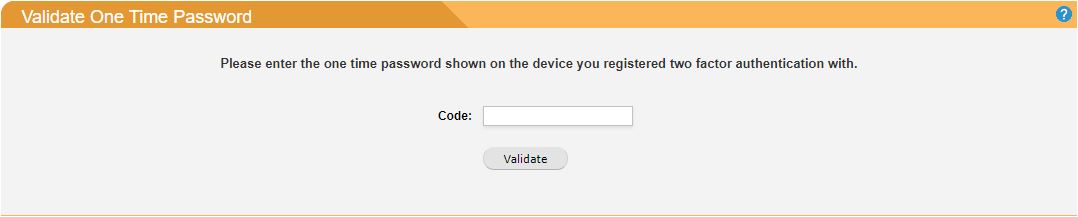
If two-factor authentication (2FA) is enabled, you must also enter a code generated from the device used to register 2FA:
After you sign in you will be asked to select a role. Make sure you choose Domain Group Administrator.
After signing in for the first time you should change your password. Do this by going to Settings > Change Password.